Apple M5 Pro vs M5 Max: Which MacBook Pro Should You Buy?
Apple's 2026 MacBook Pro lineup makes M5 Pro the smart default for many buyers, while M5 Max is built for heavier GPU and media workloads.
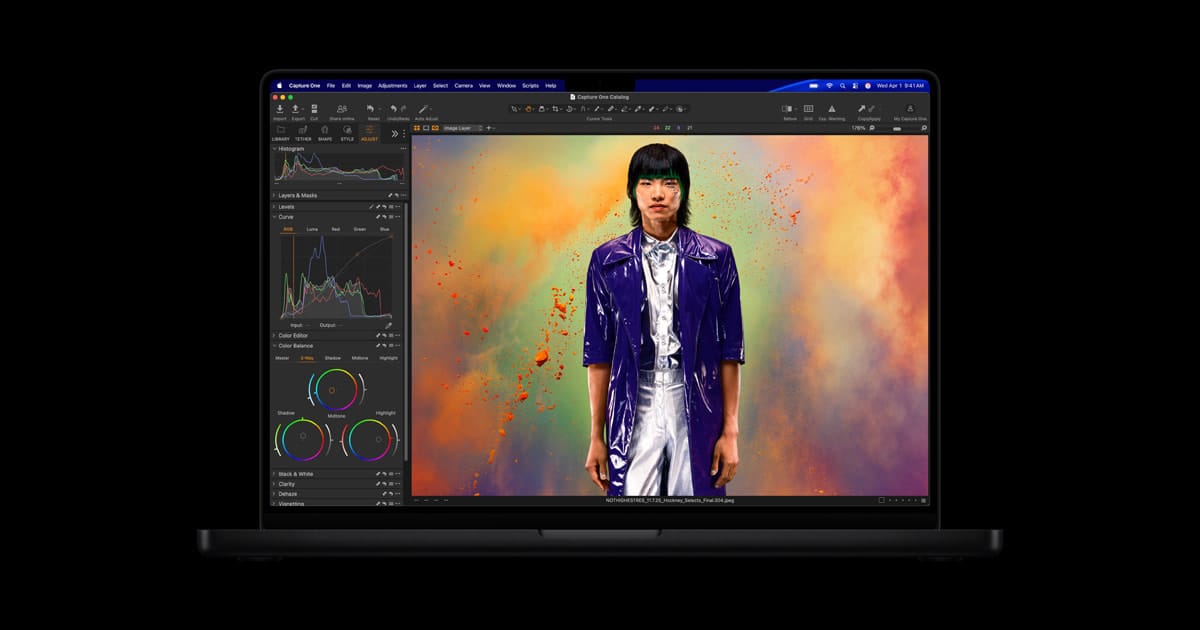
Apple's new MacBook Pro lineup looks straightforward until you hit the chip menu. On paper, both M5 Pro and M5 Max promise big AI and graphics gains, faster storage, and the same modern MacBook Pro shell. In practice, they are aimed at different buyers, and spending more only makes sense if your work can actually use what the Max unlocks.
If you are trying to decide between the two, the easiest way to think about it is this: M5 Pro is the sensible high-end choice for most professional users, while M5 Max is the specialist option for people whose workloads are expensive enough to justify the jump.
What both models have in common
Apple's March 2026 MacBook Pro update brought more than just new chips. The new machines add up to 24 hours of battery life, Wi-Fi 7 and Bluetooth 6 through Apple's N1 wireless chip, Thunderbolt 5, a 12MP Center Stage camera, and faster SSD performance. Apple also raised the starting storage, with M5 Pro models now starting at 1TB and M5 Max models starting at 2TB.
That matters because the base experience is already expensive and already premium. You are not choosing between a good MacBook Pro and a better chassis. You are choosing between two versions of the same pro laptop, each tuned for a different level of demand.
Where M5 Pro and M5 Max really split
The most important difference is not the CPU headline. According to Apple's own tech specs, both M5 Pro and M5 Max can be configured with an 18-core CPU and a 16-core Neural Engine. The bigger separation is in graphics, memory bandwidth, media engines, and memory ceilings.
M5 Pro ships with a 20-core GPU and 307GB/s of memory bandwidth. M5 Max starts with a 32-core GPU and 460GB/s of memory bandwidth, and can be configured up to a 40-core GPU with 614GB/s of memory bandwidth. Apple also gives M5 Max extra media horsepower, including two video encode engines and two ProRes encode and decode engines. On memory, M5 Pro tops out lower, while M5 Max can stretch all the way to 128GB unified memory.
That is why the M5 Max should be read as a workflow chip, not a bragging-rights chip. The buyers who benefit most are the ones doing heavy 3D work, advanced motion graphics, demanding local AI workloads, or large video projects where GPU scale, bandwidth, and media engines compound into real time savings.
Who should buy M5 Pro
M5 Pro looks like the right MacBook Pro for a large share of developers, photographers, designers, and general creative professionals. Apple itself frames M5 Pro around complex workflows such as coding, large image libraries, and serious multitasking. That feels believable. You still get the modern MacBook Pro feature set, the faster storage baseline, and a large jump over older Apple silicon or Intel machines.
If your work includes software development, Lightroom or Capture One libraries, occasional video editing, remote work, research, writing, and the growing number of AI-assisted tasks that stop short of training or running very large local models, M5 Pro is probably the practical ceiling.
Who should buy M5 Max
M5 Max makes sense when your workload is expensive in GPU terms or when your time is expensive enough that waiting less is worth real money. Think VFX artists, colorists, 3D creators, engineers working with simulations, or AI developers who want more room for local model work. The extra memory bandwidth and higher memory ceiling are not abstract advantages in those cases. They shape what projects are comfortable to run and how often you need to compromise.
It is also the version to consider if you know you will push multiple external displays, large ProRes workflows, or unusually demanding graphics pipelines. But this is where buyers need discipline. If your current bottleneck is mostly browser tabs, office apps, and bursty creative work, M5 Max is probably overkill dressed up as future-proofing.
So which one should you actually buy?
For most buyers shopping the new MacBook Pro seriously, M5 Pro is the safer recommendation. It already sits in premium territory and covers a broad range of professional use. M5 Max is the right call only when you can point to a real workload that benefits from more GPU cores, more media engines, more memory bandwidth, or much higher unified memory.
That does not make the Max a bad buy. It makes it a targeted buy. If your work lives in code editors, Adobe apps, photo tools, spreadsheets, browsers, and occasional AI helpers, M5 Pro looks like the smarter balance. If your laptop is effectively a portable workstation for rendering, simulation, or heavy local AI, then M5 Max starts to justify itself quickly.
Apple has made the 2026 MacBook Pro easier to like across the board. The hard part is not deciding whether the new machines are good. It is deciding whether your workload is genuinely M5 Max heavy, or just M5 Pro expensive.