Should You Buy a Wi-Fi 7 Router in 2026?
Wi-Fi 7 can make a home network faster and more responsive, but most people should upgrade for coverage and reliability rather than the number printed on the box.
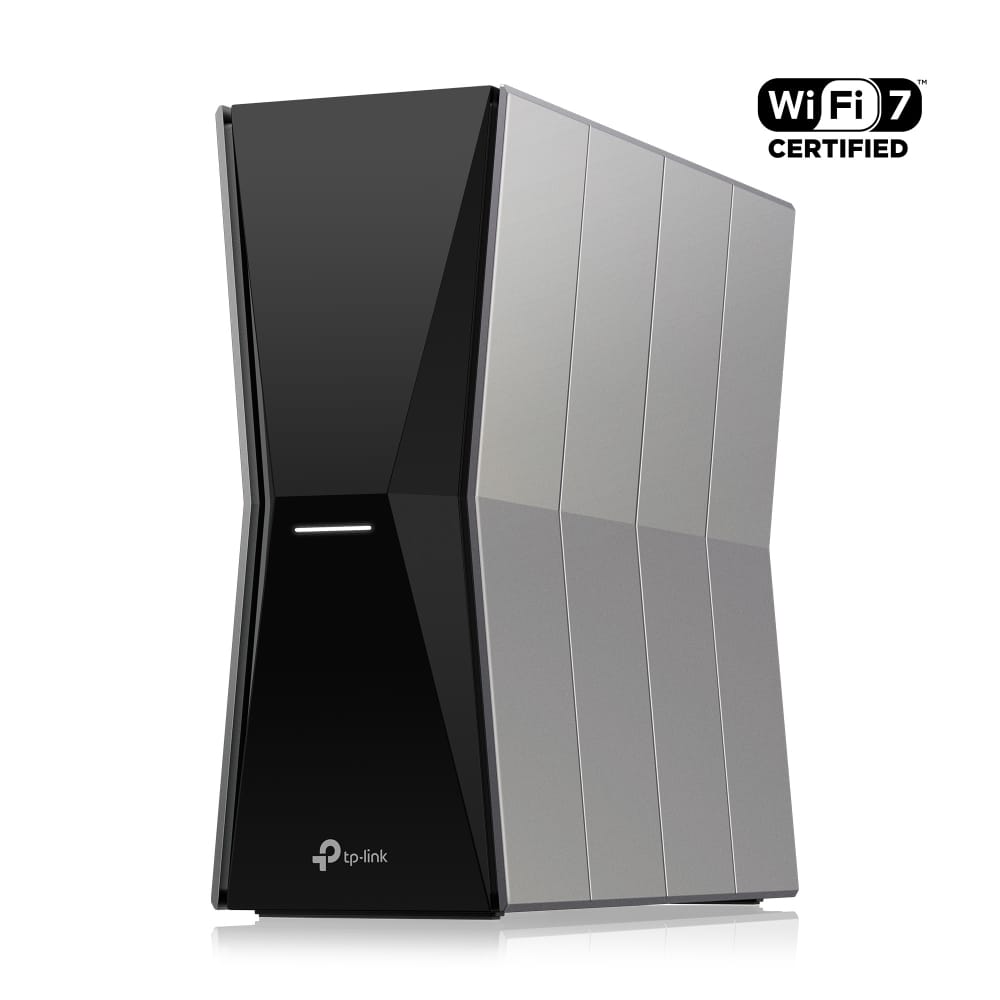
Wi-Fi 7 routers promise enormous speeds, lower latency, and a network ready for the future. They also promise to make a perfectly functional router feel old before it has actually failed.
That makes the upgrade decision harder than the number on the box suggests. Wi-Fi 7 is a meaningful technical improvement, but a new standard cannot fix every slow internet connection. It will not make a low-speed broadband plan faster. It will not move a badly placed router into the center of a home. It will not give an older phone a Wi-Fi 7 radio.
In 2026, Wi-Fi 7 is worth buying for some households. Most people should make the decision based on coverage, congestion, and their next several years of devices rather than chasing the highest advertised speed.
What Wi-Fi 7 actually changes
Wi-Fi 7 builds on Wi-Fi 6 and Wi-Fi 6E with several improvements designed to move more data and make connections more responsive. The most discussed features include wider 320 MHz channels, 4K QAM for packing more data into a signal, and Multi-Link Operation, often shortened to MLO.
Intel describes MLO as a way for compatible devices to connect across two bands at the same time. In plain language, a device can make smarter use of different Wi-Fi bands instead of treating each band as a completely separate road.
The same explainer also highlights the standard's wider channels and reduced latency potential. Those gains can matter for large local file transfers, low-latency applications, crowded networks, and homes with very fast internet service.
The catch is that the router and the device both need to support the relevant features. A Wi-Fi 7 router can still serve older devices, but those devices do not become Wi-Fi 7 devices.
Your current problem matters more than your current standard
Before buying anything, identify what is actually wrong with the network.
If internet is slow only in distant rooms, the problem may be coverage. A well-designed mesh system or an additional wired access point could help more than replacing one central router with a more expensive one.
If Wi-Fi feels fast but websites and downloads remain slow on every device, the internet plan or provider may be the bottleneck.
If video calls fail while someone else is uploading files, better traffic management, a more capable router, or a wired connection may matter more than raw wireless speed.
If your current router is unstable, no longer receives security updates, or regularly needs restarting, replacement is sensible regardless of whether Wi-Fi 7 is essential.
This diagnostic step prevents the most common disappointing upgrade: spending heavily on a router and discovering that the weak signal in the upstairs bedroom is still weak because the router remains in the same cabinet downstairs.
Who will notice Wi-Fi 7
Homes with new Wi-Fi 7 devices: Recent phones, laptops, and other hardware can take advantage of the new standard. If most of the household is still using Wi-Fi 5 or Wi-Fi 6 clients, the immediate improvement will be smaller.
People with multi-gigabit internet or fast local storage: Wi-Fi 7 makes more sense when there is enough data to move. A fast network-attached storage device, a home media server, or a multi-gig internet plan can expose the limits of older equipment.
Crowded households: A home full of active devices can benefit from a more capable router, particularly when several people are streaming, gaming, backing up files, and joining calls at the same time.
Buyers replacing an old router anyway: If you are already purchasing a new premium router or mesh system, paying for Wi-Fi 7 can be a reasonable way to extend its useful life.
Who should wait
If your Wi-Fi 6 or Wi-Fi 6E network is stable, reaches every room, and already exceeds the speed of your internet connection, Wi-Fi 7 is unlikely to transform daily use. Web pages will not suddenly feel four times faster. Most streaming services do not need anything close to the standard's maximum throughput.
Budget also matters. Wi-Fi 7 equipment has become easier to find, but premium multi-band and mesh systems can still be expensive. A mature Wi-Fi 6 system with better placement may provide a larger practical improvement for less money.
Renters and people expecting to move soon should be cautious about designing an expensive network around a temporary layout. The right setup for a small apartment is not necessarily the right setup for a multistory home.
Do not ignore the wired side
A fast wireless router can be limited by the connections behind it. Check the speed of the router's internet port and local Ethernet ports. A product marketed around multi-gig wireless performance is less useful if its wired connections create a bottleneck for your modem, desktop, storage, or mesh backhaul.
For mesh systems, wired backhaul can make a major difference. Connecting mesh nodes with Ethernet gives them a reliable path between rooms and leaves more wireless capacity for devices. In difficult homes, that can matter more than moving from one Wi-Fi generation to the next.
A practical buying rule
Buy a Wi-Fi 7 router in 2026 if at least two of these are true:
- Your current router is old, unstable, or no longer supported.
- You already own several Wi-Fi 7 devices.
- You have multi-gigabit internet or frequently move large files inside the home.
- Your household has many simultaneous users and devices.
- You are buying a premium router now and expect to keep it for several years.
If none are true, keep the current router until it causes a real problem. If coverage is the problem, first test placement, mesh options, or wired access points.
The verdict
Wi-Fi 7 is a real upgrade, not empty marketing. Its most useful improvements are about capacity, flexibility, and responsiveness across a busy network. But the standard is only one part of a good home connection.
For most people, the right reason to buy a Wi-Fi 7 router is that they need a new router and want one that will age well. The wrong reason is believing a larger number will automatically fix every slow corner of the house.